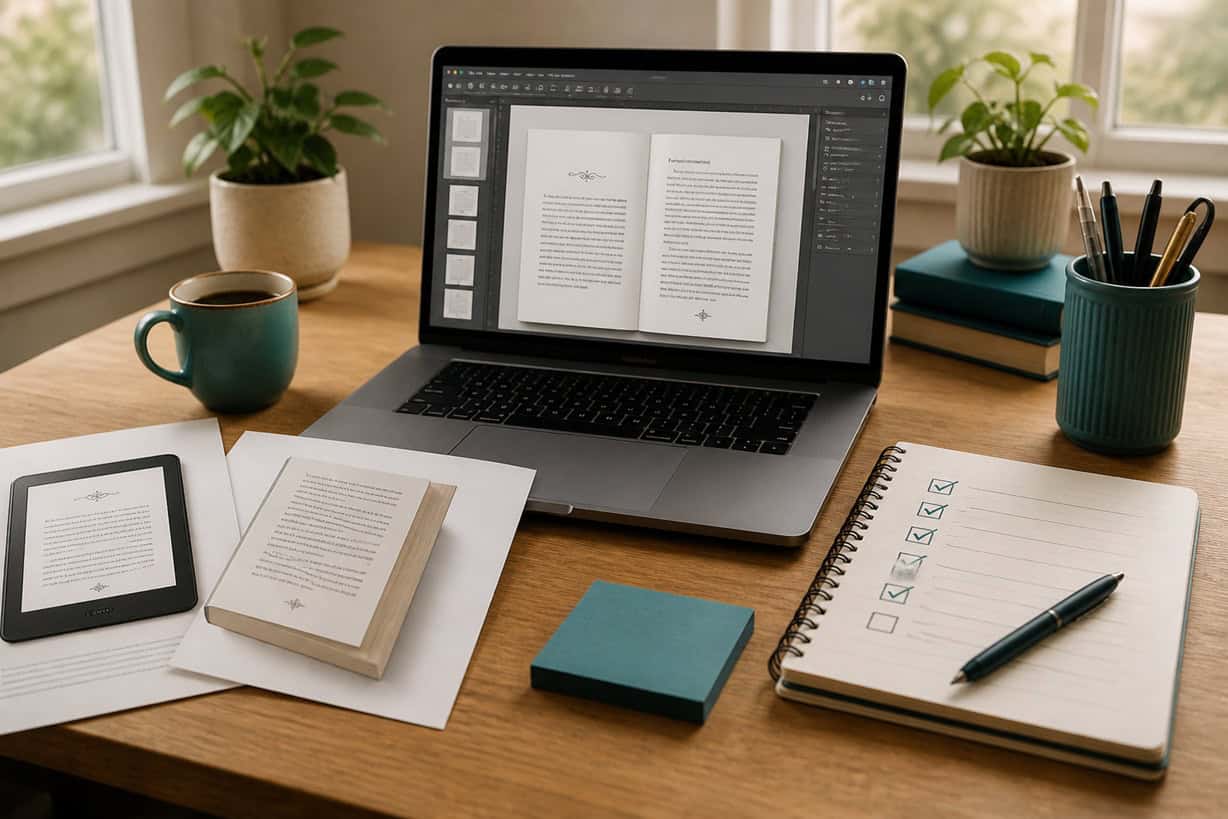
Free vs. Paid Book Formatting Tools: Which To Use?
“Price is what you pay. Value is what you get.” — Warren Buffett
Book formatting is one of the first places new indie authors worry they might make a costly mistake.
You finish the manuscript, or at least get close enough to see publication on the horizon. Then a new set of questions appears. How do you turn the manuscript into a professional ebook? How do you format a paperback? Can you use free tools, or do you need paid software? What if the margins are wrong? What if the file is rejected? What if readers open the book and immediately think it looks amateurish?
Those concerns are understandable. Formatting feels technical, and technical tasks can make even capable writers feel as though one wrong click could ruin everything.
The good news is more reassuring: formatting is important, but it is also more manageable than it appears. You need a clean, readable book that meets publishing requirements and gives readers a smooth experience.
That is the real question behind free vs. paid book formatting tools. You are choosing the tool that best fits your current book, skill level, and stage as an indie author.
What Book Formatting Really Means
Book formatting is the process of preparing your manuscript so it displays correctly as a book.
For ebooks, formatting affects how your text flows on different devices. Readers may change font size, screen orientation, margins, and background settings. Your file needs to behave well in that flexible reading environment.
For paperbacks, formatting affects page size, margins, headers, footers, page numbers, chapter starts, spacing, and overall readability. A paperback file has to look consistent because the page is fixed. What appears on the page is what the reader receives.
Formatting does not make weak writing strong. It does not fix a confusing structure, unclear argument, thin content, or a poorly positioned book. Its job is quieter. Formatting removes friction so the reader can focus on the words rather than the design.
Readers may not consciously notice clean formatting, but they will notice messy formatting. Strange spacing, inconsistent chapter headings, awkward page breaks, and distracting errors can weaken trust. A professional reading experience helps the book feel credible.
Still, most formatting issues are fixable, and indie authors can update files after publication when needed. The goal is a clean, readable book that lets you move forward with confidence.
The Real Difference Between Free and Paid Formatting Tools
Both free and paid formatting tools can produce professional results. The difference usually comes down to time, control, convenience, and learning curve.
Free tools often require more patience and manual work. Paid tools often save time by giving you templates, guided workflows, and export options for ebook and paperback formats. Neither path is automatically right or wrong.
The best choice depends on what you need the tool to do.
If your book is simple, text-based, and straightforward, free formatting tools may be enough. If your book includes complicated layouts, multiple formats, recurring publishing projects, or a desire for speed and polish, paid tools may be worth the investment.
A paid tool does not guarantee a professional book. A free tool does not guarantee an amateur book. Your author judgment still matters.
When Free Book Formatting Tools Make Sense
Free formatting tools are often a good choice for new indie authors, especially for a first ebook or a simple nonfiction book.
Many free options are already built into software you may use, or they are provided by publishing platforms. These tools can help you create a clean file without adding another subscription to your author business.
Free tools make sense when your manuscript is mostly text, your design needs are simple, your budget is tight, and you are comfortable following step-by-step instructions. They also make sense when you are still learning the publishing process and want to understand the basics before investing in more advanced software.
For a first ebook, free tools may be more than sufficient. Ebooks are flexible by nature, which means they do not require the same fixed-page design decisions as paperbacks. If your book uses standard headings, paragraphs, and basic front- and back-matter, you can often produce a clean ebook without paid software.
The tradeoff is convenience. Free tools may offer fewer design templates, less automation, and more room for manual errors. You may need to check instructions carefully, preview the file, revise, and preview again.
That process takes time, but it can also teach you how formatting works.
When Paid Book Formatting Tools Are Worth Considering
Paid formatting tools are worth considering when they save time, reduce frustration, and help you create reusable publishing systems.
Many paid tools are designed to simplify formatting. They may offer professional templates, automatic chapter styling, ebook and paperback export options, front- and back-matter tools, and cleaner workflows. For indie authors who plan to publish more than one book, those features can become valuable infrastructure.
Paid tools may be especially helpful if you want to create both ebook and paperback editions, publish regularly, maintain a consistent series style, or reduce the amount of technical troubleshooting involved. They can also help if formatting tasks drain your energy and keep you from moving on to other important work.
The key is value. A paid tool is worthwhile when it buys back time, reduces stress, improves consistency, or helps you publish with more confidence.
But buying advanced software too early can create a different problem. If the tool has more features than you understand, you may spend hours learning menus, templates, exports, and settings before you know what your book actually needs. In that case, the paid tool becomes another form of publishing noise.
Before purchasing, ask whether the tool solves a real problem you are facing now or whether it only feels like preparation.
Choosing Simplicity for Momentum
A strong formatting decision begins with a better question.
Instead of asking, “Which formatting tool is best?” ask, “What is the simplest option that lets me publish this book confidently right now?”
That question keeps you focused on momentum. Your first book does not need a complex formatting system designed for a twenty-book backlist. It needs a clean, readable file that meets the requirements of the format you plan to publish in.
For many new indie authors, a practical path looks like this:
• For your first ebook, free tools are often enough.
• For your first paperback, use a free or entry-level paid tool that matches your comfort level.
• For future books, consider upgrading when you understand your workflow and know what would save you time.
This approach protects your budget and your attention. It lets you learn the process without overbuilding your author business too soon.
You can always upgrade later. In fact, upgrading later is often smarter because your decision will be based on real experience. Once you have formatted one book, you will know which parts felt easy, which parts created friction, and which features would actually help.
Avoid Formatting Too Early
One of the biggest formatting mistakes new indie authors make is starting too soon.
Formatting should happen after the manuscript is finished, edited, and close to final. If you format too early, every major revision creates rework. You may need to fix spacing, headings, page breaks, chapter starts, front matter, back matter, and export settings again and again.
That turns formatting into a loop.
Early formatting can also create emotional attachment to the wrong things. Once your manuscript “looks like a book,” you may become reluctant to make necessary edits. The design feels finished even though the content still needs work.
Keep the stages separate whenever possible. Draft first. Revise next. Edit carefully. Then format.
That sequence helps each stage do its proper job. Writing creates the material. Revision strengthens the content. Editing improves clarity and correctness. Formatting prepares the reading experience.
Avoid the Design Perfection Trap
Formatting can become another form of procrastination when indie authors chase tiny design decisions too early.
Margins matter. Spacing matters. Chapter headings matter. Most readers want the book to feel readable, consistent, and professional. Once you meet that standard, additional tweaking may not improve the reader experience enough to justify the time.
The design perfection trap often shows up as repeated adjustments to fonts, line spacing, decorative elements, page breaks, and chapter styles. Those choices can feel productive because they are visible. You can see the page changing. But visible change is not always meaningful progress.
Ask whether the adjustment improves readability or whether it only gives you a temporary sense of control.
Readers care more about clarity and consistency than subtle design refinements. A simple, clean book is usually better than an overdesigned one.
How to Decide Between Free and Paid Formatting Tools
A calm decision comes from matching the tool to the project.
Start with the manuscript. Is it mostly text, or does it include images, tables, worksheets, special layouts, or complex design needs? A simple text-based book gives you more flexibility. A layout-heavy book may require stronger tools or professional help.
Next, consider your format. Are you publishing only an ebook, or do you also need a paperback? Paperback formatting usually requires more attention to fixed-page layout, trim size, margins, headers, page numbers, and print preview.
Then look at your budget. Free tools can help you publish without adding financial pressure. Paid tools can be worth it when they save enough time or frustration to justify the cost.
Finally, consider your publishing plans. If this is a one-time project, you may not need an advanced system. If you plan to publish multiple books, especially in a series or under a consistent brand, paid formatting software may become part of your long-term infrastructure.
The best tool is the one that fits the book, protects your time, and helps you publish with confidence.
Formatting Readiness Checklist
Before you choose or use any formatting tool, make sure the foundation is ready.
• Your manuscript is finished and edited.
• You know whether you are publishing an ebook, paperback, or both.
• You understand your book’s basic layout needs.
• You have chosen a tool that matches your current skill level.
• You are prioritizing readability over decoration.
• You know you can revise and upload updated files later if needed.
• You have previewed your formatted file before publishing.
• You have saved a backup copy of your final files.
This checklist keeps formatting in its proper place. It is an important publishing step, but it should support the book rather than stall it.
Final Thoughts: Pay for Value
Free tools can work beautifully for simple books and first-time indie authors. Paid tools can be a smart investment when they save time, reduce frustration, and support a repeatable publishing workflow. The right choice depends on your project, goals, budget, and tolerance for technical details.
Do not pay for software because you are afraid of looking amateurish. Pay for value when the tool helps you create a better reader experience or protect your time.
Formatting is part of your publishing infrastructure. Keep it clean, simple, and useful. Choose the tool that helps you move forward, then let the book do what it came to do: reach readers.
If you want a beginner-friendly guide through the bigger publishing process, Amazon KDP Made Easy walks you through the practical decisions that help new indie authors prepare, upload, and publish with less stress.
QUICK CHECKLIST
Use this checklist to decide whether free or paid formatting tools make sense for your book:
• Choose free tools if your book is simple, text-based, and your budget is tight.
• Consider paid tools if you need speed, templates, export options, or a repeatable workflow.
• Do not format until the manuscript is finished and edited.
• Prioritize readability, consistency, and clean presentation over design perfection.
• Preview your ebook and paperback files before publishing.
• Avoid buying advanced software before you understand what your book actually needs.
• Remember that most formatting mistakes can be fixed, and files can be updated.
• Pay for value.
For more guidance, see other writer’s guides in this series. We suggest starting with the first one, Best Path to Amazon KDP: 12 Hacks.
For a deeper step-by-step approach to writing, preparing, uploading, and publishing your first book on Amazon, Amazon KDP Made Easy: A Simple, Stress-Free System to Self-Publish Your First Book on Amazon walks you through the process in a simple, stress-reducing way.
We hope you found these writer’s guide strategies helpful and inspiring. They’re intended to provide you with the necessary tools and insights to succeed as an indie author.
Writing is an ongoing adventure that involves continuous learning and improvement. You don’t have to go through this alone. We are excited to accompany you every step of the way, providing you with support and motivation. Our goal is to give you the necessary knowledge and practical advice to navigate the world of writing with confidence.
If you have a draft and want to explore how AI can help you self-publish it, read, Is Your Book Ready to Self-Publish?
For help writing a nonfiction book, read Write Your First Nonfiction eBook: a 30-Day Workbook for Getting It Done.
Don’t wait. Start today! How can we help? To let us know, please fill out our Contact form.
Happy writing!