Create an Author Content Repurposing Map with AI—7 Best Steps
“A content strategy is a high-level plan that guides the intentional creation and maintenance of information.” – Anna Kaley, Nielsen Norman Group
Your books and articles contain more potential content than you may realize.
A nonfiction chapter could become a website article, newsletter, checklist, workshop, video, podcast episode, or social media series. Several related blog posts could provide the foundation for a new book. A reader question could inspire both an article and a downloadable resource.
The challenge is remembering how everything connects.
As your body of work grows, you may no longer recall:
- Which articles came from which books
- Whether a chapter has already been repurposed
- Which version contains the newest information
- Where a particular example or framework first appeared
- Which topics have been used repeatedly
- Which useful ideas have never been developed further
A basic content inventory can tell you what exists. A content repurposing map tells you how those pieces relate to one another and what you can do with them next.
AI can help you organize the information, identify possible relationships, and discover gaps. However, you should verify every important connection before adding it to your permanent records.
The following seven steps will help you create a useful content map for your books, articles, and other author materials.
What Is a Content Repurposing Map?
An Author Content Repurposing Map is a central record that connects an original piece of content with every format developed from it.
For example, the map might show this progression: Website article → nonfiction book chapter → checklist → newsletter → social posts
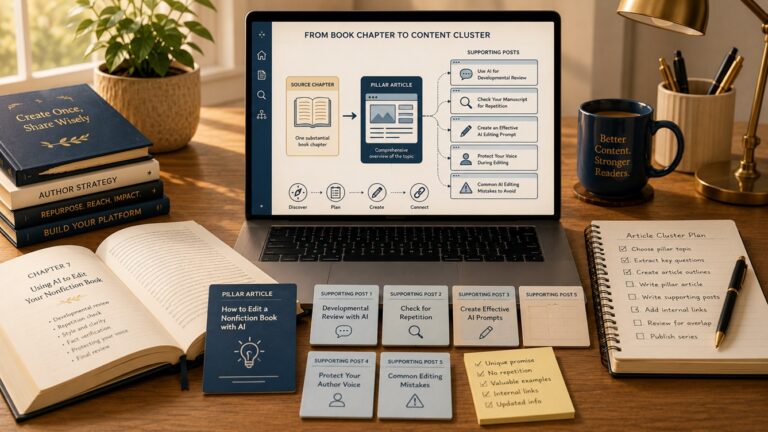
Another content path might move in the opposite direction: Book chapter → pillar article → three supporting articles → email series
The map records more than titles. It can also show:
- Source material
- Related or derivative content
- Intended audience
- Format
- Status
- Publication date
- Location
- Current or authoritative version
- Updates needed
- Future opportunities
You can create the map in a spreadsheet, database, table, document, or visual diagram. The best format is the one you will keep using.
How Is a Repurposing Map Different from a Content Inventory?
A content inventory answers: What content do I have?
A repurposing map answers: How is my content connected?
Suppose your inventory lists:
- One nonfiction book
- Twelve book chapters
- Twenty-five blog articles
- Six reader downloads
- Several newsletters
- Three video scripts
That list is helpful, but it does not explain whether Article 7 came from Chapter 3, whether Download 2 contains the same checklist as Article 12, or whether the video scripts introduced new material.
The repurposing map adds those relationships. It can also prevent you from repeating a project you already completed under different titles.
Step 1: Decide What the Map Needs to Help You Do
Before choosing columns, software, or colors, decide what problem the map needs to solve.
Your priorities may include:
- Preventing accidental duplication
- Finding material for new articles
- Turning articles into books
- Creating article series from book chapters
- Planning newsletters and social posts
- Tracking authoritative versions
- Updating old content
- Coordinating several active book projects
- Preserving the history of your intellectual property
Choose two or three primary purposes.
For example:
My map will help me see which book chapters have already become articles, identify chapters that have not been repurposed, and track the most current version of each topic.
That purpose will determine what information you record.
If you try to track every possible detail from the beginning, the map may become too complicated to maintain.
Example AI Prompt
Act as a content systems strategist for an indie author. I need a content repurposing map that will help me accomplish the following: [LIST YOUR PRIORITIES]. Recommend the essential information the map should track. Separate required fields from optional fields. Keep the system practical for one person to maintain.
AI can help simplify the system before you build it.
Step 2: Choose a Practical Format
You do not need specialized software to create a useful map.
Spreadsheet
The following format works especially well when you have many individual pieces of content. A spreadsheet is often the easiest option because you can:
- Sort by book or project
- Filter by content type
- Search titles and keywords
- Group related items
- Use dropdown status fields
- Add links to files and published pages
Database
A database may be useful if you already work comfortably in one. It may be unnecessary if learning and maintaining it creates more work than it saves. A database can connect content through linked records and offer multiple views.
For example, you might view the same information by:
- Book
- Topic
- Content type
- Status
- Publication channel
- Planned release date
Document or Table
A simple document may be enough if you have only a few books and articles. You can create one section for each book and list the content developed from every chapter.
This format is easy to read but more difficult to sort, filter, and update as the collection grows.
Visual Diagram
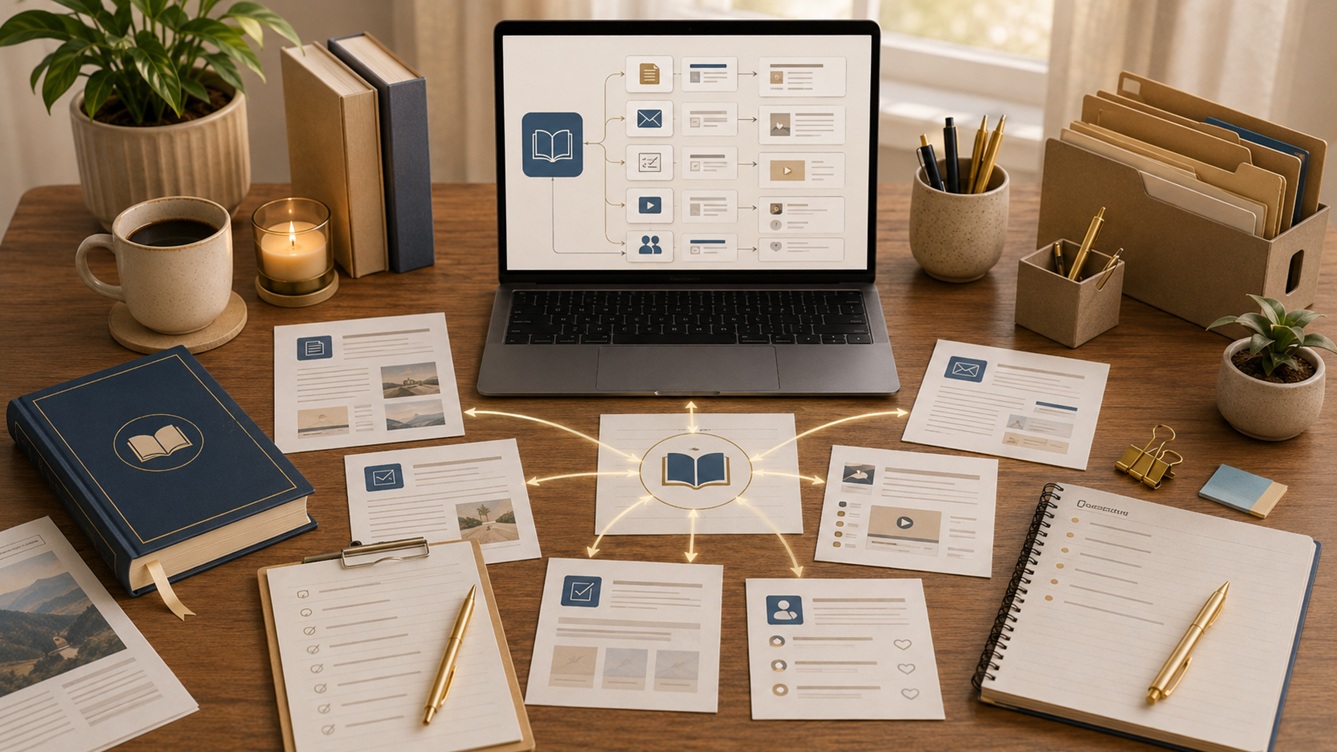
A diagram is useful for planning one campaign or project. It is often less practical as the only permanent record because a large number of connections can make it difficult to maintain. A visual map can make content relationships easy to understand.
You might place a book or pillar article in the center and connect it to:
- Supporting articles
- Emails
- Downloads
- Videos
- Social posts
Use More Than One View
You do not have to choose between a spreadsheet and a visual map.
The spreadsheet can serve as the permanent record. At the same time, a diagram shows the strategy for one book, launch, or article series.
Step 3: Identify the Source of Truth
Every content family should have one version that you treat as the most current or authoritative source.
This may be:
- The final published book
- The latest manuscript
- A recently updated pillar article
- A master research document
- A current style guide
- A revised workshop or course
Without a source of truth, you may accidentally update one version while continuing to repurpose information from an older one.
For example, suppose you originally wrote three articles about AI prompting. You later combined and expanded them into a book chapter. After publication, you corrected terminology and added a stronger framework to the chapter.
The final book chapter may now be the authoritative version—even though the articles came first.
Record both:
- Original source: Where the idea or material began
- Current source of truth: The version that should guide future use
They are not always the same.
Questions to Ask
For each topic or content family, ask:
- Where did this material first appear?
- Which version is most complete?
- Which version contains the newest information?
- Which version has been professionally edited or verified?
- Which version should be consulted before future repurposing?
Example AI Prompt
Review the following versions of content about [TOPIC]. Compare their dates, scope, major ideas, corrections, and additions. Recommend which version appears to be the strongest candidate for the current source of truth. Explain the evidence. Mark any conclusion that requires my verification.
Do not let AI choose based only on the newest date. A recently created file may contain older or incomplete material.
Step 4: Record the Essential Information
Your exact fields will depend on your goals, but an Author Content Repurposing Map could include the following.
Identification
- Content ID
- Title
- Working title
- Main topic
- Project or book
- Content type
Source Information
- Original source
- Source chapter or article
- Source location
- Source date
- Source of truth
Audience and Purpose
- Intended reader
- Reader problem
- Primary takeaway
- Call to action
- Publication channel
Status
- Idea
- Planned
- Drafting
- Editing
- Scheduled
- Published
- Updating
- Retired
Publication Information
- Publication date
- URL
- File location
- Platform
- Related category or tag
Repurposing Information
- Derived from
- Repurposed into
- Degree of overlap
- Changes made
- Future possibilities
- Needs verification
You do not need every field for every item. Begin with the fields that answer your most important questions.
Step 5: Connect Every Source with Its Derivative Content
Now map the relationships.
Begin with one substantial source, such as:
- A published nonfiction book
- A book manuscript
- A pillar article
- A workshop
- A long video or podcast
- A research report
Then identify everything connected to it. For a book, work chapter by chapter.
Your map might look like this:
| Source | Related Content | Relationship | Status |
| Chapter 1 | Article: Why Authors Need AI | Adapted from chapter | Published |
| Chapter 1 | Newsletter: My First AI Experiment | Companion story | Published |
| Chapter 1 | AI Readiness Checklist | Expanded resource | Planned |
| Chapter 2 | Article: Choosing AI Tools | Partial adaptation | Updating |
| Chapter 3 | No related content | Unused opportunity | Available |
Use clear relationship labels.
Possible labels include:
- Exact adaptation
- Expanded from
- Condensed from
- Combined from
- Inspired by
- Companion piece
- Updated version
- Extract
- Related topic
- No direct relationship
- Needs verification
The distinction matters. Two pieces may discuss the same general topic without one being derived from the other.
Ask AI to Suggest, Not Declare
AI can compare titles, summaries, outlines, and full text to propose likely connections.
Example AI Prompt
Compare the following book chapters and website articles. Suggest possible relationships using only these labels: exact adaptation, expanded from, condensed from, combined from, companion piece, related topic, no clear relationship, or needs verification. Explain the evidence for each suggested connection. Do not treat a similar title as proof.
Review each suggested relationship before adding it to the map.
Step 6: Identify Gaps and Repurposing Opportunities
Once the connections are visible, the map becomes a planning tool. Look for source material that has not yet been used elsewhere.
For example:
- A book chapter with no related articles
- A popular article with no downloadable checklist
- A detailed newsletter that could become a permanent website resource
- A group of articles that could support a new book
- A framework that has never been demonstrated through a case study
- A technical article that needs a beginner-friendly companion
- A video that does not have a searchable written version
Also look for overused topics.
If one chapter has already produced five similar articles while another has produced none, the map can help you create a more balanced strategy.
Four Types of Opportunities
Expand
Take one useful idea and explain it in greater depth.
Adapt
Present the idea for a different audience, format, or stage of experience.
Combine
Bring several related pieces together into a more comprehensive resource.
Extract
Turn one self-contained element into its own resource, such as:
- Checklist
- Template
- Case study
- FAQ
- Glossary
- Worksheet
- Tutorial
Example AI Prompt
Review this content repurposing map and identify gaps or underused source material. Suggest opportunities to expand, adapt, combine, or extract content. For every suggestion, identify the intended reader, the new format, the distinct reader benefit, and the source material it would use. Do not recommend creating a new piece unless it offers a clearly different benefit from existing content.
That final requirement helps prevent the map from becoming an engine for unnecessary duplication.
Step 7: Build the Map into Your Workflow
A content repurposing map is useful only when it remains current. You can also add a brief map review to the beginning and end of every content project.
Update it whenever you:
- Publish a book
- Finish a chapter
- Add or revise an article
- Create a download
- Send an important newsletter
- Record a video or podcast
- Approve a new repurposing project
- Retire outdated material
- Change the authoritative version
Before Starting
Check:
- Whether the proposed topic already exists
- Which source version should be used
- What related material is available
- Whether the new piece provides a distinct benefit
- Which internal links should connect the content
After Publishing
Record:
- The final title
- URL or file location
- Publication date
- Source material used
- Major changes made
- Related content
- Future opportunities
Use a Consistent Naming System
A clear naming system makes the map more reliable. Labels make relationships easier to recognize in both the map and your files.
For example:
BOOK – Creating Engaging AI-Generated ContentCHAPTER – 03 – Preserve Your VoiceARTICLE – Make AI Content Sound Like YouCHECKLIST – AI Voice ReviewEMAIL – Why AI Writing Sounds Generic
A Simple Author Content Repurposing Map
You can begin with the following fields:
| Field | What to Record |
| Content ID | A unique number or code |
| Title | Current title |
| Content type | Book, chapter, article, email, video, download |
| Project | Related book, series, or campaign |
| Main topic | Primary subject |
| Intended reader | Audience for this version |
| Original source | Where the material began |
| Source of truth | Current authoritative version |
| Relationship | Expanded, condensed, companion, related, and so on |
| Status | Planned, drafting, published, updating, retired |
| Date | Creation, revision, or publication date |
| Location | URL, folder, or file link |
| Future use | Next repurposing possibility |
| Verification | Confirmed or needs verification |
Start with one book or one article series rather than attempting to map everything at once. Once the system works for one project, you can apply it to the rest of your content.
Let AI Handle Organization—Not Ownership
AI can save time by helping you:
- Summarize content
- Generate consistent labels
- Compare chapters and articles
- Format tables
- Group related topics
- Identify missing fields
- Suggest possible connections
- Find underused material
- Create repurposing ideas
However, AI does not know the full history of your work unless you provide it.
It may:
- Mistake related pieces for direct adaptations
- Miss connections hidden behind unusual titles
- Select the wrong authoritative version
- Assume publication order proves origin
- Recommend repetitive content
- Invent a relationship that seems logical but never occurred
Ask AI to distinguish among:
- Confirmed facts
- Evidence-based suggestions
- Uncertain relationships
- Missing information
Your map should never present an AI inference as an established fact.
Final Thoughts
Your existing content is more than a collection of files. It is a connected body of intellectual property that can support books, articles, emails, downloads, courses, videos, and future products.
A content inventory tells you what you have. An Author Content Repurposing Map shows how it all fits together.
Begin with a clear purpose. Choose a practical format. Identify the original source and current source of truth. Record essential information. Connect every source with its derivative content. Then use the map to find gaps and new opportunities.
Finally, make updating the map part of your normal workflow.
With AI handling much of the comparison and organization, you can spend more time making the decisions that require your judgment: which ideas matter, which readers need them, and how each new piece can offer genuine value.
Author Content Repurposing Map Checklist
Define the Map’s Purpose
- Identify the main problem the map should solve.
- Choose two or three priorities.
- Decide which projects will be included first.
- Avoid tracking details you will not use.
Choose the Format
- Select a spreadsheet, database, document, or diagram.
- Confirm that the format is easy to update.
- Decide whether you need more than one view.
- Choose one permanent location for the map.
Establish Content Sources
- Identify where each idea or piece began.
- Record the original source.
- Identify the most current version.
- Select a source of truth for each topic.
- Mark uncertain source relationships for verification.
Record Essential Information
- Add the title and content type.
- Assign the content to a project or book.
- Record the main topic and intended reader.
- Add the status and publication date.
- Include the URL or file location.
- Record the original source and source of truth.
- Add relevant relationship labels.
- Note future possibilities.
Connect Related Content
- Link books with their chapters.
- Link chapters with related articles.
- Connect articles with newsletters and social content.
- Record checklists, downloads, videos, and other formats.
- Distinguish direct adaptations from related topics.
- Mark AI-suggested connections as unverified until reviewed.
Find New Opportunities
- Identify unused chapters and article topics.
- Look for content that could be expanded.
- Find pieces that could be adapted for another reader.
- Identify related items that could be combined.
- Extract useful checklists, templates, examples, or FAQs.
- Confirm that every new idea offers a distinct reader benefit.
Maintain the Map
- Review the map before starting a project.
- Update it after publishing new content.
- Record major revisions.
- Mark retired or outdated versions.
- Update the authoritative source when needed.
- Review the complete map periodically for gaps and duplication.
For more guidance, see our other writer’s guides in this series. We suggest starting with the first one, Turn Blog Posts into a Book with AI: 8 Best Hacks.
Or for all the writer’s guides in one place, grab our book: Repurpose Your Author Content with AI (available on Amazon).
We hope you found these writer’s guide strategies helpful and inspiring. They’re intended to provide you with the necessary tools and insights to succeed as an indie author.
You might also enjoy our books: Book Description Optimization: A Step-by-Step System to Clarity, Discoverability, and Reader Trust OR Write Smarter, Stay Human: Use AI Without Losing Your Voice, Values, or Vision.
Writing is an ongoing adventure that involves continuous learning and improvement. You don’t have to go through this alone. We are excited to accompany you every step of the way, providing you with support and motivation. Our goal is to give you the knowledge and practical advice to navigate the world of writing with confidence.
If you have a draft and want to explore how AI can help you self-publish it, read Is Your Book Ready to Self-Publish?
Don’t wait. Start today! How can we help? To let us know, please fill out our Contact form.
Happy writing!