Atticus vs. Dabble: Choose Your Workflow: 5 Best Tips
“But lo! men have become the tools of their tools.” — Henry David Thoreau, Walden
A writing program can impress you with one feature and still leave a gap later. The plot board looks wonderful. The formatting themes look easy. Then your manuscript reaches the next stage, and you discover that it has nowhere useful to go.
I have learned to look past the feature that catches my attention and ask a larger question: How will this book travel from idea to publishable files? That question makes the Atticus-versus-Dabble decision much clearer.
Our earlier writer’s guide, Atticus vs Dabble Writer for New Indie Authors, introduced the basic differences between the programs. Product features and prices have changed since that 2025 overview, so use the current information here when you decide.
Software changes quickly, and I recommend checking the linked product pages again before you buy.
Choose a Workflow Before You Choose a Tool
Your workflow includes every place where the book changes hands, formats, or purpose. For a typical novel, that path may include planning, drafting, organizing, revising, outside feedback, formatting, exporting, and correcting the finished files.
Before you compare programs, ask yourself:
- Where do I want to plan my plot, characters, and story world?
- Where will I draft and organize scenes or chapters?
- How will I revise and work with an editor, co-author, or beta reader?
- Where will I create my print and eBook interiors?
- Which program will export the files I need for publishing?
- Where will I make corrections after the manuscript moves?
Those answers may point to one program for the whole job. They may also reveal that two programs, or a program plus a professional formatter, will give you a better working arrangement.
The number of tools matters because every handoff adds work.
You may need to clean up imported headings, confirm scene breaks, check lists, and decide which copy now controls future corrections. Fewer handoffs can simplify production. A well-planned handoff can also be worth the effort when one program helps you write the book and another produces the files you need.
Where Atticus Fits My Workflow
Atticus is my current choice because I want one main workspace to carry much of the book from writing through production. I used Grammarly before Atticus, and I have substantially reformatted inside Atticus itself.
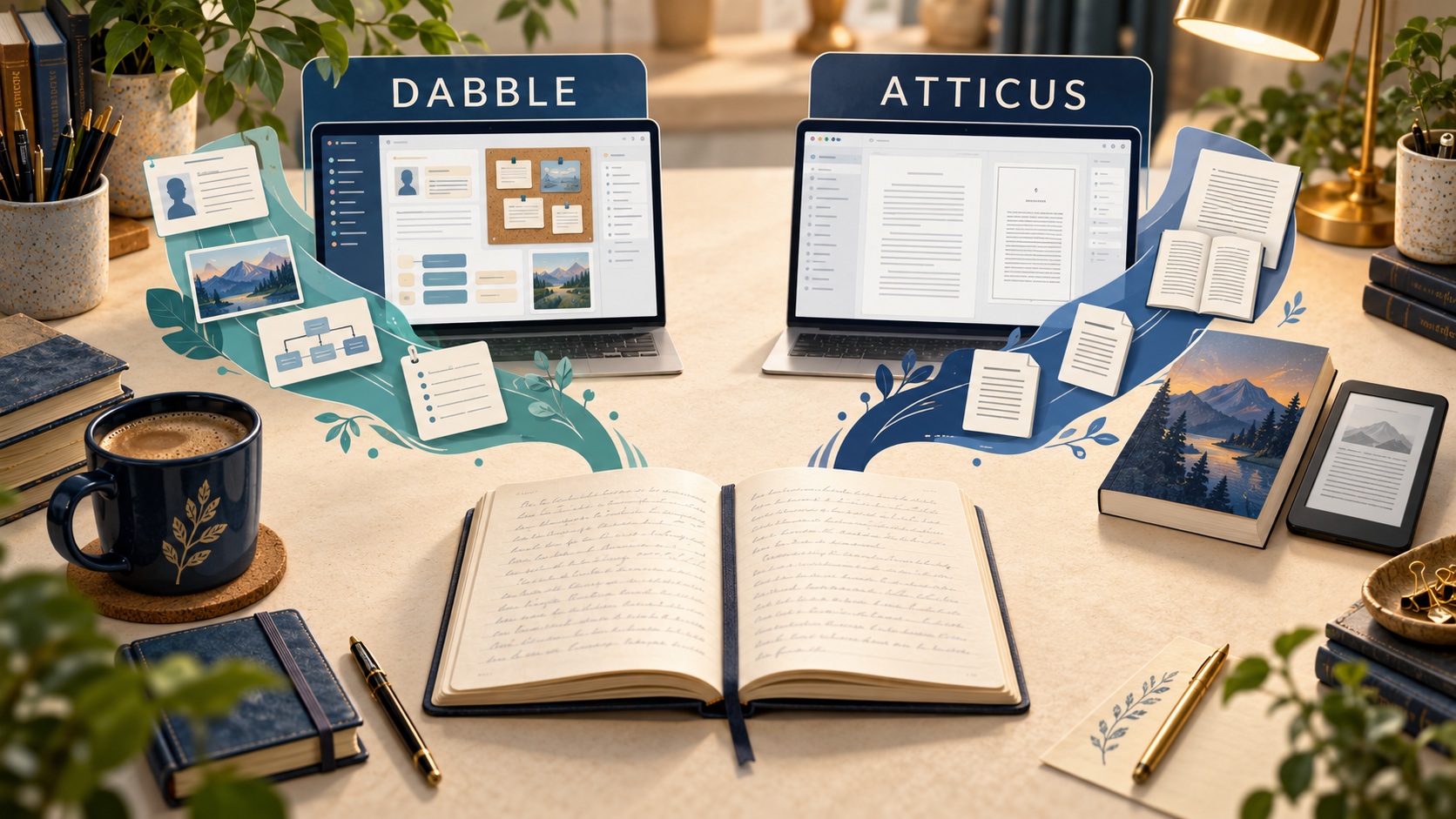
The Atticus product page currently describes a writing editor with drag-and-drop chapters, goals, word tracking, cloud backup, and online or offline use. It lists Windows, Mac, Linux, and Chromebook, along with access through browsers on tablets and smartphones. It also imports DOCX files and moves into book production inside the same program.
You can choose a formatting theme, customize it, preview the book on several device types, and export PDF, EPUB, or DOCX files. That range is the main workflow advantage for me. I can write, revise, format, and export without sending the entire manuscript through another production program.
Staying in one main program still leaves me with inspection work. I sometimes have to correct chapter-ending Action Steps or Checklist material and reformat a page when an H2 heading lands alone at the bottom.
Those are page-level production issues, so I will cover the actual formatting and inspection process in the next writer’s guide. They matter here because a direct export button never replaces a careful review of the exported book.
Atticus has also expanded since our earlier comparison. Its current collaboration documentation covers Author, Co-writer, Editor, and Beta Reader roles, comments, invitations, and permissions. The help center says editors and beta readers need to purchase Atticus for direct access.
I have not used those collaboration features myself. If direct collaboration is central to your process, test the roles and account requirements with the people who will work on your manuscript.
As of this writing, Atticus costs $147 as a one-time purchase. The company says the price includes future updates and a 30-day money-back guarantee.
The payment structure is easy to understand, especially if you expect to produce several books. Its value still depends on whether you like the writing environment and will use the production features.
Where Dabble Fits
Dabble’s current materials focus heavily on fiction development. Its documented tools include a Plot Grid, character profiles, a Worldbuilding Bible, Story Notes, plot labels, and drag-and-drop scene and chapter organization.
The Dabble feature page also lists focus mode, writing goals, multi-device access, comments, highlighting, advanced checks, Read to Me, and find and replace. Its help center describes desktop, mobile, and Chromebook apps, cloud syncing, and offline work after the project is available on the device.
Some features depend on the plan you choose. You can check them out at Dabble’s current pricing page. The Writer plan includes planning, drafting, co-authoring, writing-group sharing, and versioning. The Author plan adds tools such as comments, track changes, advanced grammar and style checks, Read to Me, beta-reader support, and editor support.
Compare Dabble’s monthly price plans with Atticus’s one-time price. Compare the plan containing the features you will actually use, then estimate how long you expect to use it.
For this current comparison, I rely on Dabble’s documentation. It shows a fiction-centered environment with more extensive built-in planning and story-development features than Atticus currently documents.
Dabble can remain your main workspace through planning, drafting, revision, and collaboration. When you are ready for book production, the manuscript needs a destination that can create your publication files.
With Dabble, you can export to Word, Google Docs, a shareable web page, or Markdown. Word and Google Docs exports can use a standard manuscript format or preserve Dabble’s in-app formatting.
Dabble’s help page says the program does not export PDF or EPUB directly. You can use Print and Save as PDF. However, that route does not provide the same documented book-production workflow as designing and exporting a print interior in Atticus or another formatting program.
For many fiction authors, that handoff may be perfectly reasonable. Dabble can handle story development, while Atticus, another formatting method, or a professional handles production.
One Tool or Two?
This comparison offers four practical paths. Each can work when you understand where the manuscript lives and what happens next.
- Choose Atticus for writing and production when its editor fits you and you want direct PDF and EPUB exports from the same book project.
- Choose Dabble for writing, then move a DOCX file into Atticus when you value Dabble’s fiction-development environment and want to format the book yourself.
- Choose Dabble for writing, then hand the manuscript to another formatter or a professional when you want separate specialists for development and production.
- Keep your current writing program and use Atticus for production when your existing drafting system already works well.
My own path is closest to the first option, with Grammarly used before Atticus. Your strongest path may use two tools because the environment that helps you finish a good manuscript deserves real weight in the decision.
A two-tool workflow adds an extra transfer step.
Dabble can export DOCX, and Atticus can import it, which creates a documented route between them. The amount of cleanup will depend on your manuscript.
Before moving an entire book, I would test one representative chapter. Include the elements most likely to cause trouble: headings, scene breaks, lists, images, footnotes, or any recurring layout you rely on. That small test tells you more than a feature chart.
You will see what transfers cleanly, what needs adjustment, and how much time the handoff is likely to add.
Control the Handoff
The most important two-tool decision is the source-of-truth rule. You need to know which editable file controls the book before the handoff and which one controls it afterward.
Suppose you finish in Dabble, export a DOCX, and import it into Atticus.
If you later fix a sentence in Atticus, will you also correct the Dabble project? If your editor changes the DOCX, who moves those changes into the production file?
You can choose any clear system that your collaborators understand. I use a correction log when a problem may affect more than one version, and I check the print and eBook files separately.
The same principle applies when you hire a formatter. Ask which source file the formatter wants, which files you will receive, where corrections will be made, and who is responsible for the final checks.
Price belongs in this calculation, along with time and attention. A lower purchase price can lose its appeal when repeated cleanup drains your schedule. A more expensive workflow can also be wasteful when its extra features sit unused.
The right choice is the workflow you can manage reliably from draft through correction. Once you know that route, the software decision becomes far less mysterious.
Workflow Decision Guide
- Choose your primary need. Decide whether you need deeper fiction planning and revision support, a direct writing-to-formatting path, or a production tool after drafting elsewhere.
- Choose your production destination. Confirm where you will create the print and eBook interiors.
- Count the handoffs. Record every export, import, collaborator transfer, and professional handoff.
- Confirm the output. Check that your final production method can create the files required for every edition you plan to publish.
- Set the source-of-truth rule. Decide which editable file controls corrections at each stage.
- Compare the cost structure. Consider the current purchase or subscription price across the period you realistically expect to use the program.
- Test the difficult material. Use a representative chapter containing the headings, scene breaks, lists, images, footnotes, or other elements your book uses.
- Record your choice. Write down your primary workspace, transfer point, export format, production destination, and who is responsible for checking.
Once you have recorded that workflow, you are ready to make the files your book needs. In the next article, “Format Your Print Book and eBook,” we’ll cover production methods and the separate checks required for PDF and EPUB files.
We trust you’ve found this writer’s guide both enlightening and inspirational. It’s designed to equip you with the tools and insights to bolster your success as a burgeoning author.
For more guidance, see other writer’s guides in this series. We suggest starting with the first one, Prepare Your Manuscript for Publishing.
You might also enjoy some of our books:
AI Future Ready Skills for Indie Authors
Amazon KDP Made Easy: A Simple, Stress-Free System to Self-Publish Your First Book on Amazon
The path of writing is one filled with ceaseless learning and enhancement. You are not expected to tread this path solo. We’re thrilled to accompany you on this journey, offering support and motivation at every turn.
Our objective is to deliver foundational knowledge and pragmatic guidance, enabling you to traverse the literary landscape with amplified confidence.
How can we help? To let us know, please fill out our Contact form.
Happy writing!